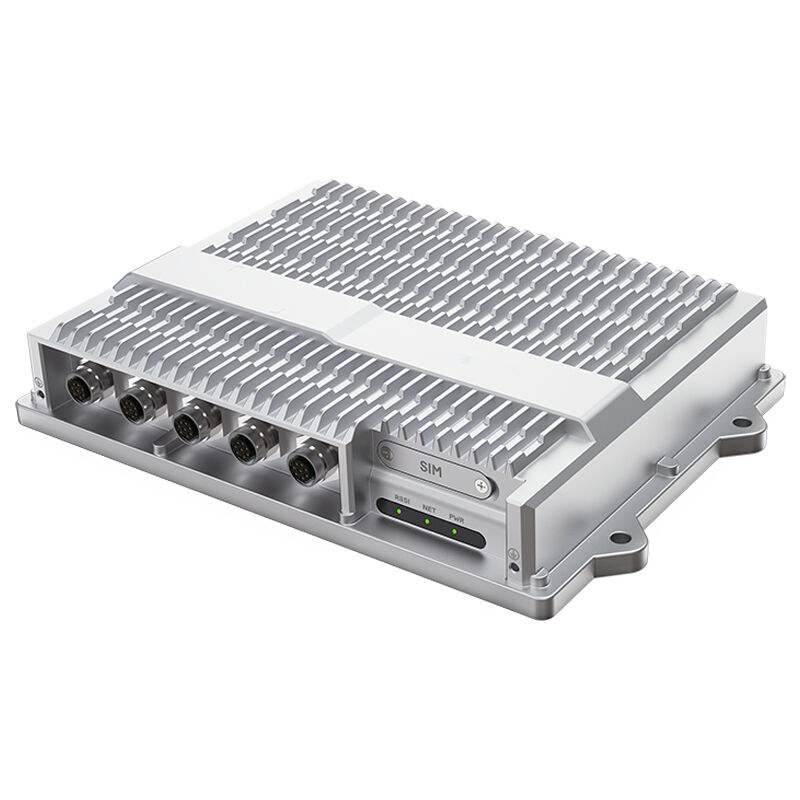
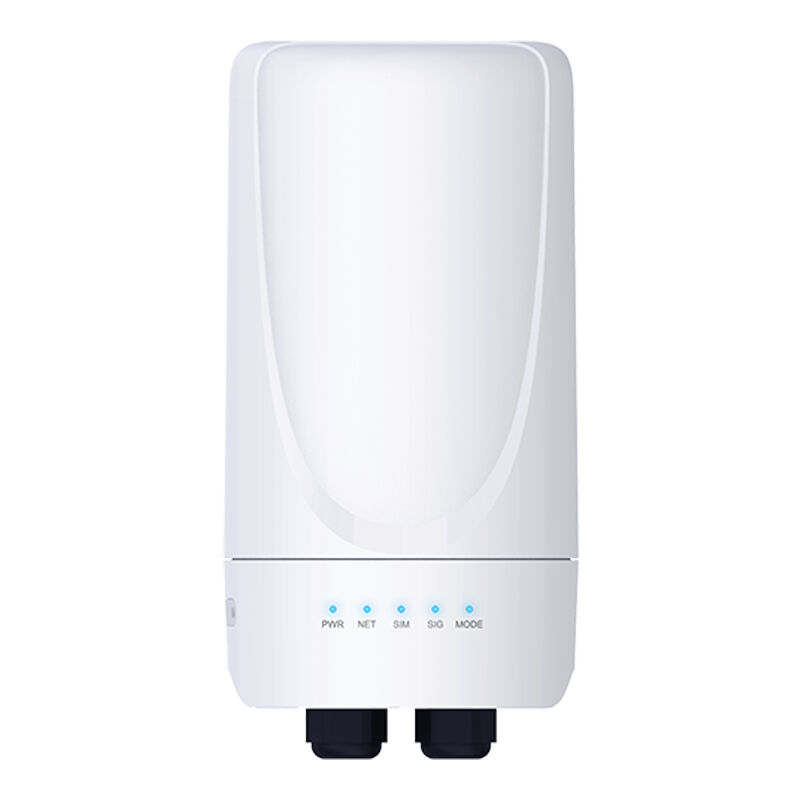
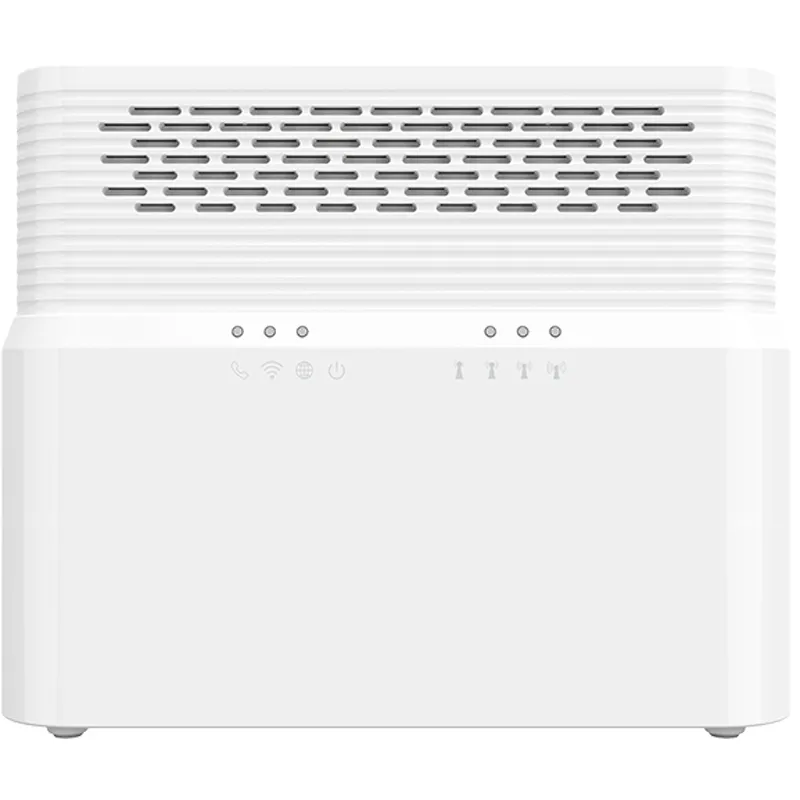
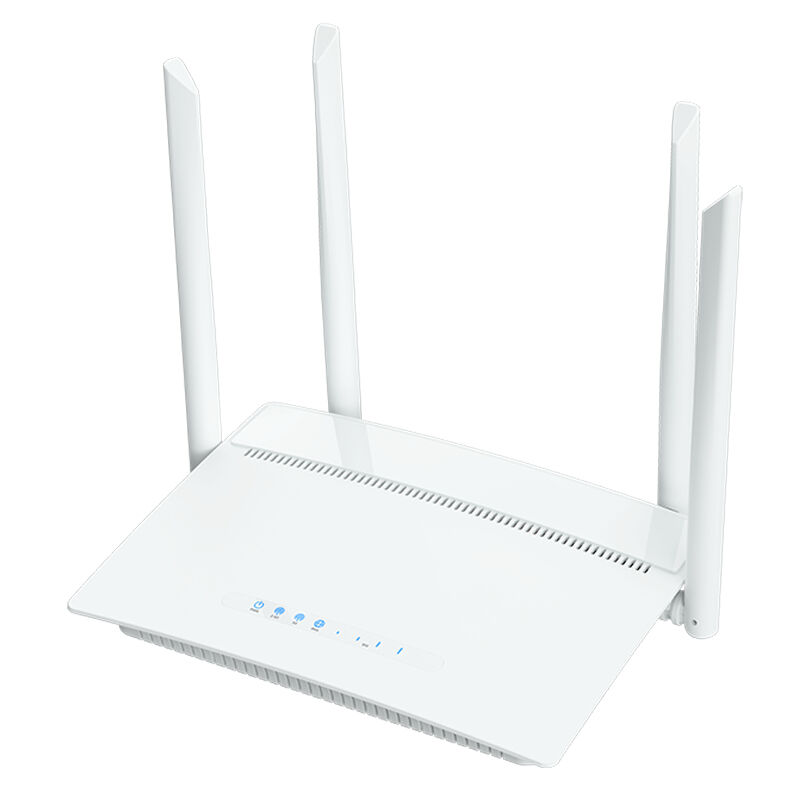
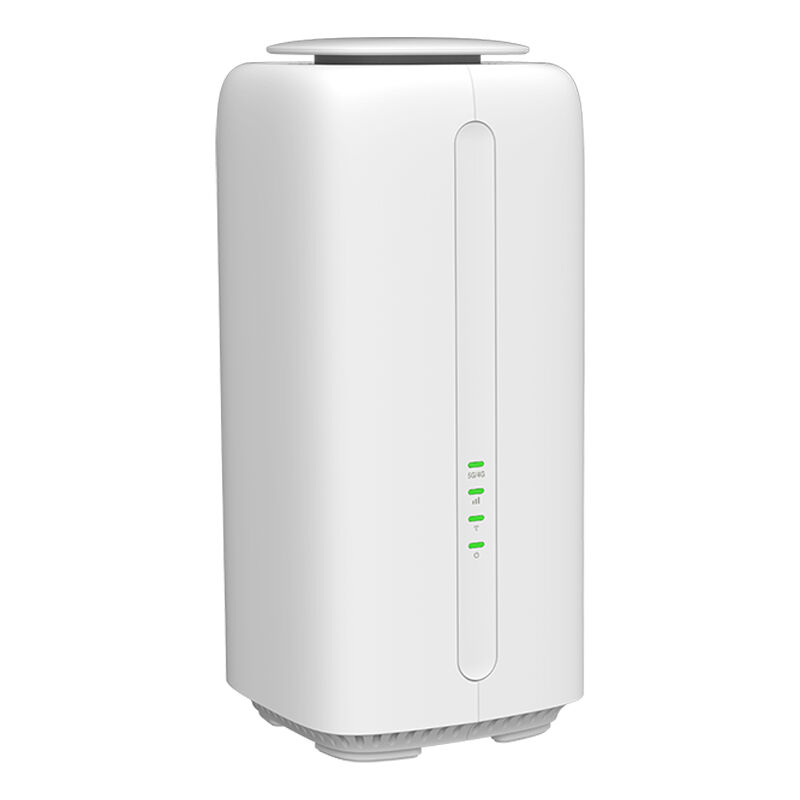
Selecting the right internet router is very important for both homes and businesses. Having a good router is a useful tool to get connected to the internet fast and to make sure that the rest of your devices are running at full power. With so many internet router options available, it can be difficult to figure out what’s right for you. You know that choosing the right router can have a huge impact on how well your internet works. This article is here to help you choose the best router and troubleshoot most problems that should come your way.
When considering which is the best internet router for your needs you will want to consider a few things. First, determine how many devices will connect to the router. If you have a small team, you might get away with a basic router. But if you have lots of devices or your team uses a lot of internet at once, you might need a more powerful router. And find a router that can support multiple connections without slowing down. Also, consider how fast you want the internet to be. Most businesses will be fine with a router that simply supports high speeds, but if you participate in a lot of video conferences or stream, you might want something faster.
Another determinant is the Wi-Fi coverage of the router. Your whole working zone needs to be covered by a decent router. If you’re working in a large office or one spread across several walls, spring for a router with good range like these ones that are part of a mesh network, where several devices work in tandem to carry the signal. Security is key too. What you want is a router that helps protect your business data. Seek features such as WPA3 encryption. Finally, consider the brand and support. Routers by Smawave Technology are the safe and solid choice. You never want your new wireless internet router to be a bad fit for you on the first day, and certainly not if you were unfortunate enough to get locked into a two year contract with said business.
Another thing to consider: where exactly is your router? It must also be placed centrally; not near a wall or any other structure. One caution: If it’s obscured behind furniture or nestled in a shadowy corner, the signal may have difficulty reaching everywhere. You may also want to look for interference from other electronics. Your router’s signal can be disrupted by devices such as microwaves and cordless phones. If you suspect interference from these or other devices, try to move the router away from them.
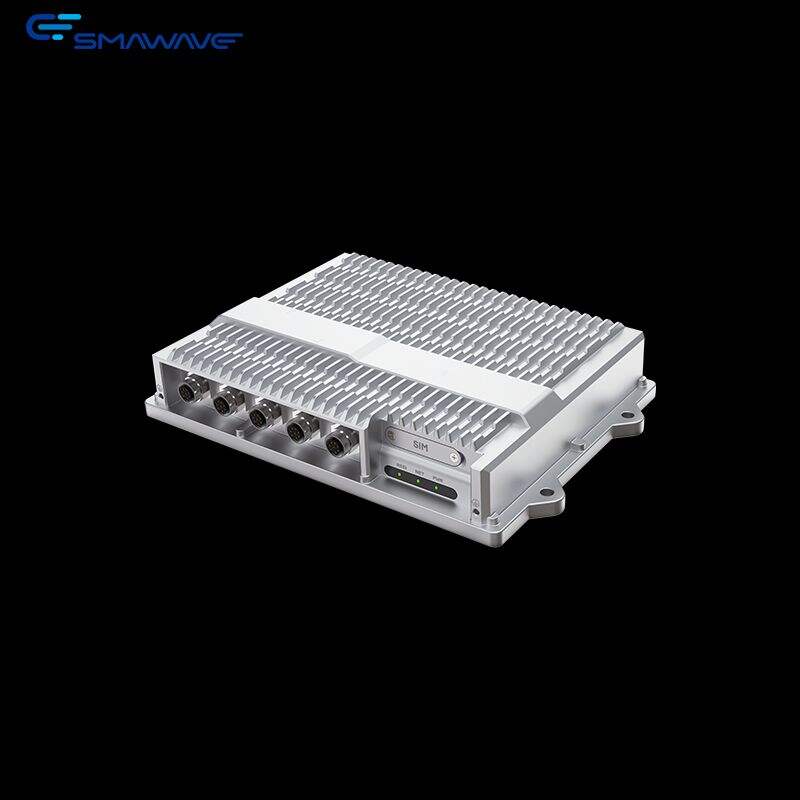
Finally, ensure your router’s firmware is current. Manufacturers such as Smawave Technology will generally release these updates in order to enhance the performance and stability of their devices. The option to update is typically found in the router’s settings. Frequent updates keep your router performing well and safe from threats. If you follow these easy steps, you’ll keep experiencing fast and stable internet connection.
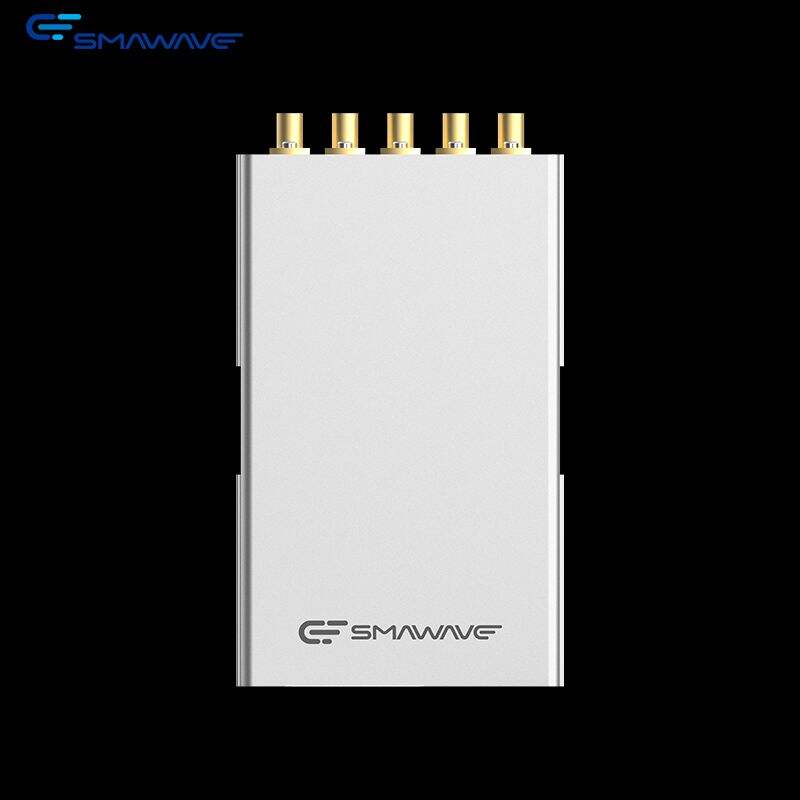
Some key features to consider when searching for the best internet router. First, speed is very important. You want a good router that can deliver fast internet throughout your home for streaming video, playing online games or just browsing the web. Seek out routers that can accommodate high-speed connections, such as those operating on Wi-Fi 6 coverage. This sort of router can support many devices at the same time without bogging down. Another key feature is range. You’re hoping for a router that can transmit an internet signal to every corner of your home. Do you have a large house? Well, maybe get a router that has such strong signal it reaches every corner. Some routers also come with bonus features, such as parental controls. This allows parents to place restrictions on what their children can access online. Security is also crucial. The top routers typically have excellent security features that can keep your data safe from a variety of potential threats, such as hackers. Smawave Technology has routers that bring all of these together with speed, range, security and intuitive controls. Also seek out a router with multiple ports, so you can plug devices directly into the device for a more reliable signal. It's also nice to have features like dual-band capability on offer, because that lets you connect to two different frequencies (which can cut down on interference and bump up your performance).
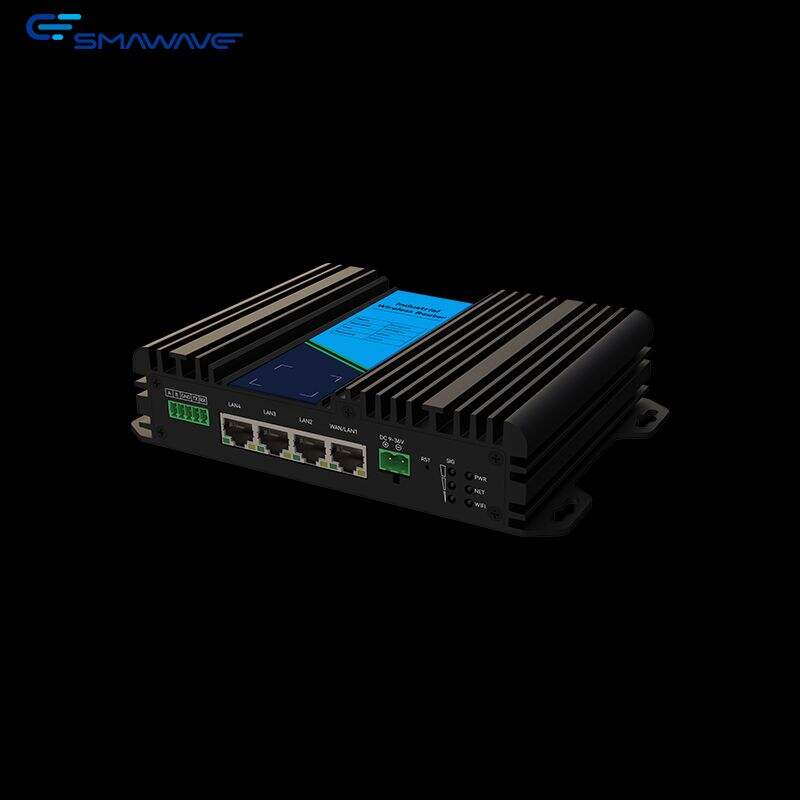
There are several tricks and tips to ensure your internet router performs its best. To start, position your router in the middle of your home. This can better distribute the Wi-Fi signal throughout all of the nooks and crannies. Also, try not to put it near walls or in corners; the signal can become obstructed. Next, keep your router updated. Manufacturers may post updates that improve performance and security. Check your router settings to see whether there are any updates, and download them immediately if so. Yet another good way to enhance your router's performance is by reducing the amount of devices connected to your network. And too many devices can clog the internet for everyone. If it’s slow, perhaps you can disconnect devices you’re not using? There is also the option of changing the Wi-Fi channel. Sometimes, it is another network close by that can trip you up. You might get a better connection by changing the channel. And finally, using wired connections for devices that can be connected to an Ethernet cable, such as gaming consoles or computers, can also boost speed and reliability. With Smawave Technology routers you also have the apps, features and settings that enable you to make adjustments for your network so, control aspect of their home network.
Copyright © Shanghai Smawave Technology Co.,Ltd All Rights Reserved Privacy Policy
 EN
EN